Using Bloop.email
Never miss a meeting
If an invite reached your inbox, it's on your calendar.

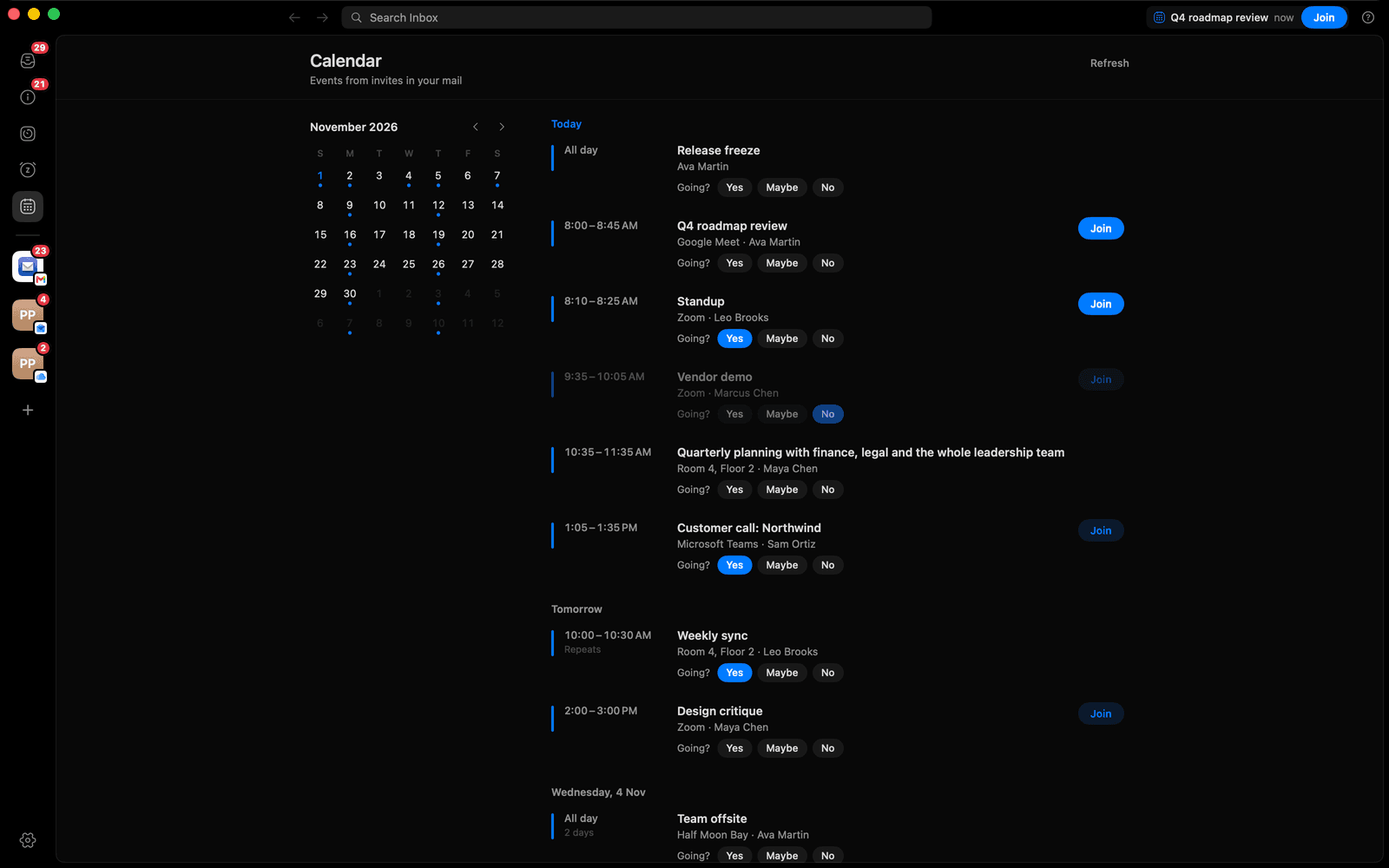
1
Open the calendar
Click the calendar icon in the left bar.
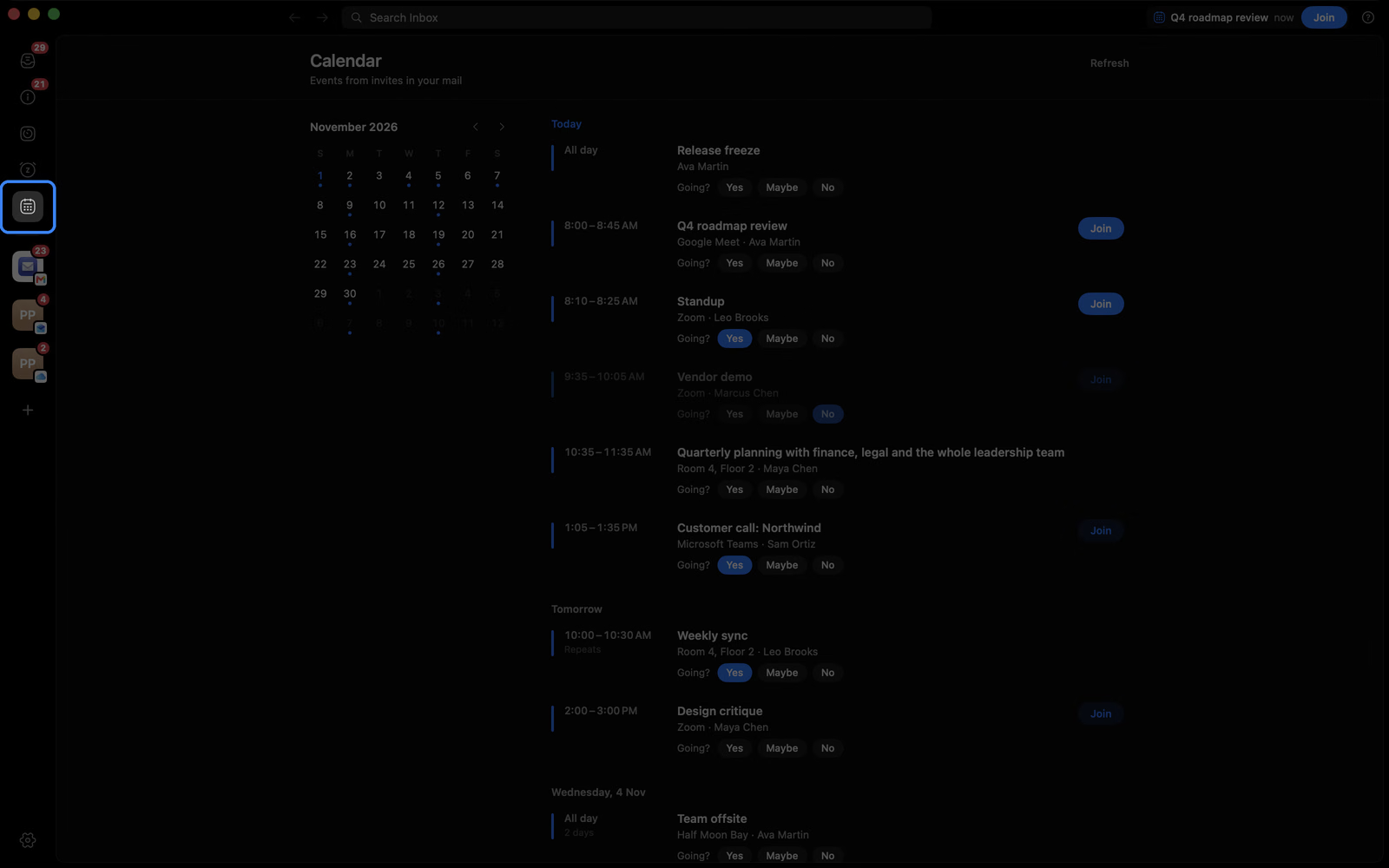
2
See the month at a glance
Dots mark busy days. Click one to jump to it.

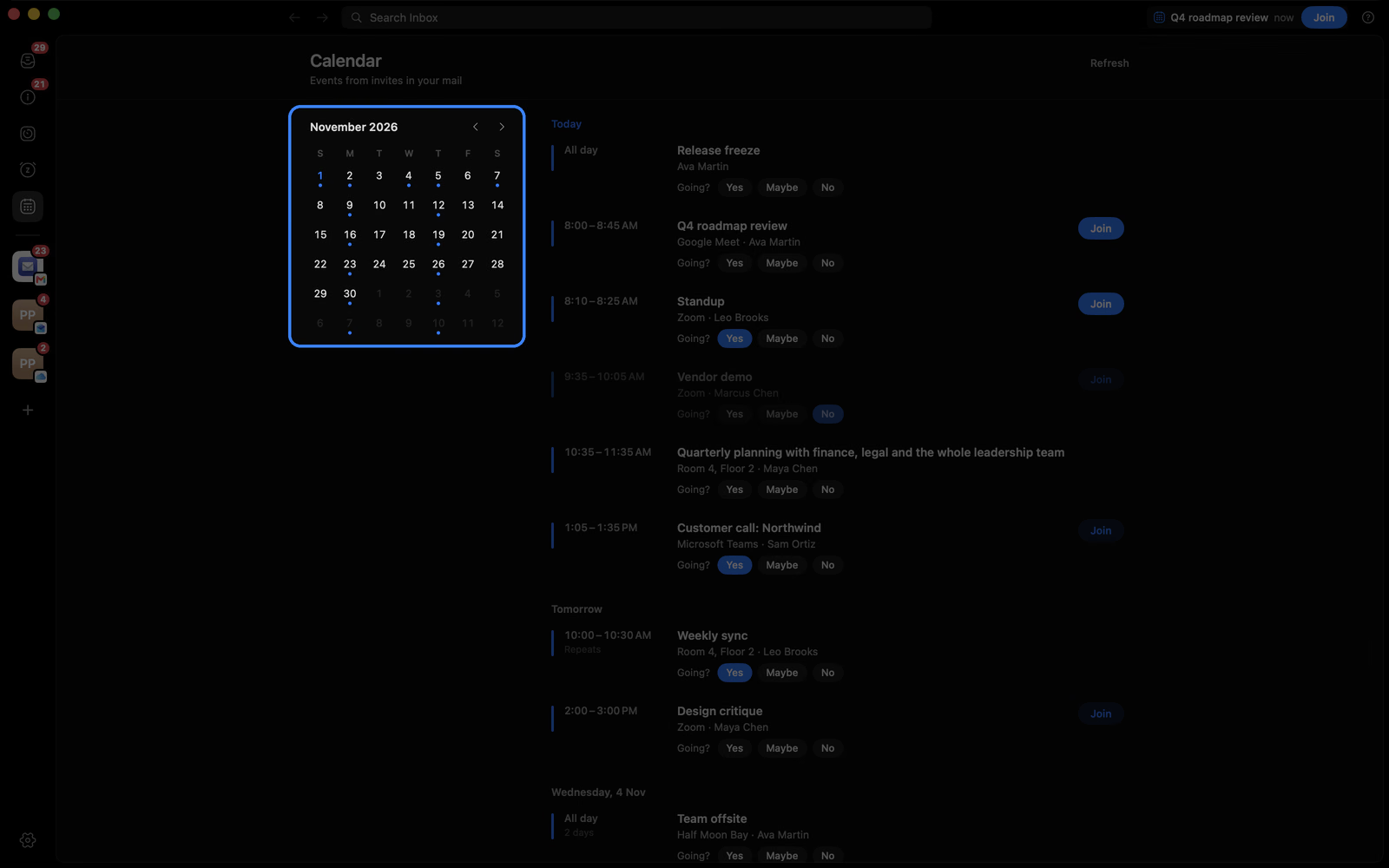
3
Answer with Yes, Maybe or No
Your reply goes straight to the organizer.
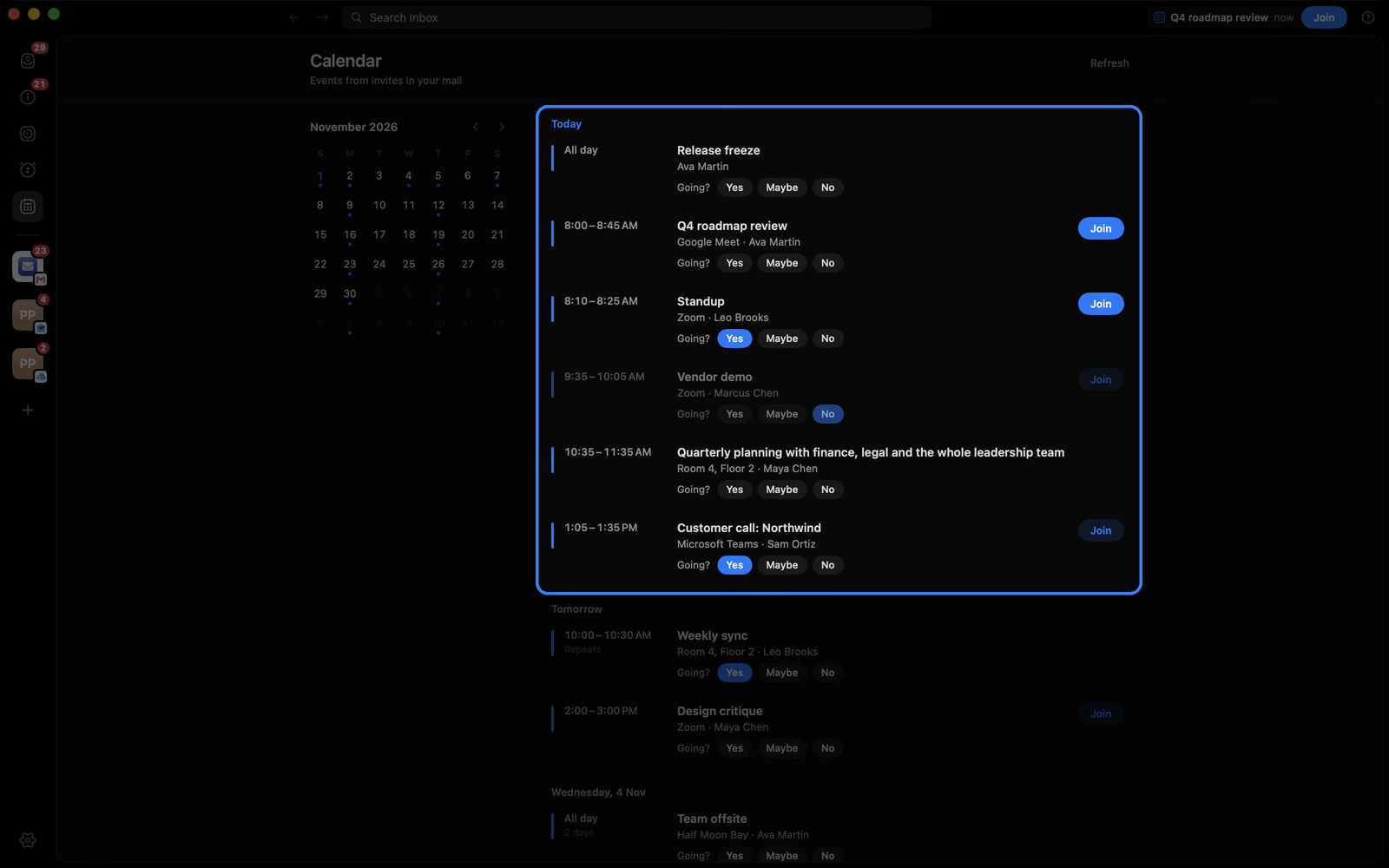
4
Join calls in one click
Meet, Zoom and Teams links become a Join button.
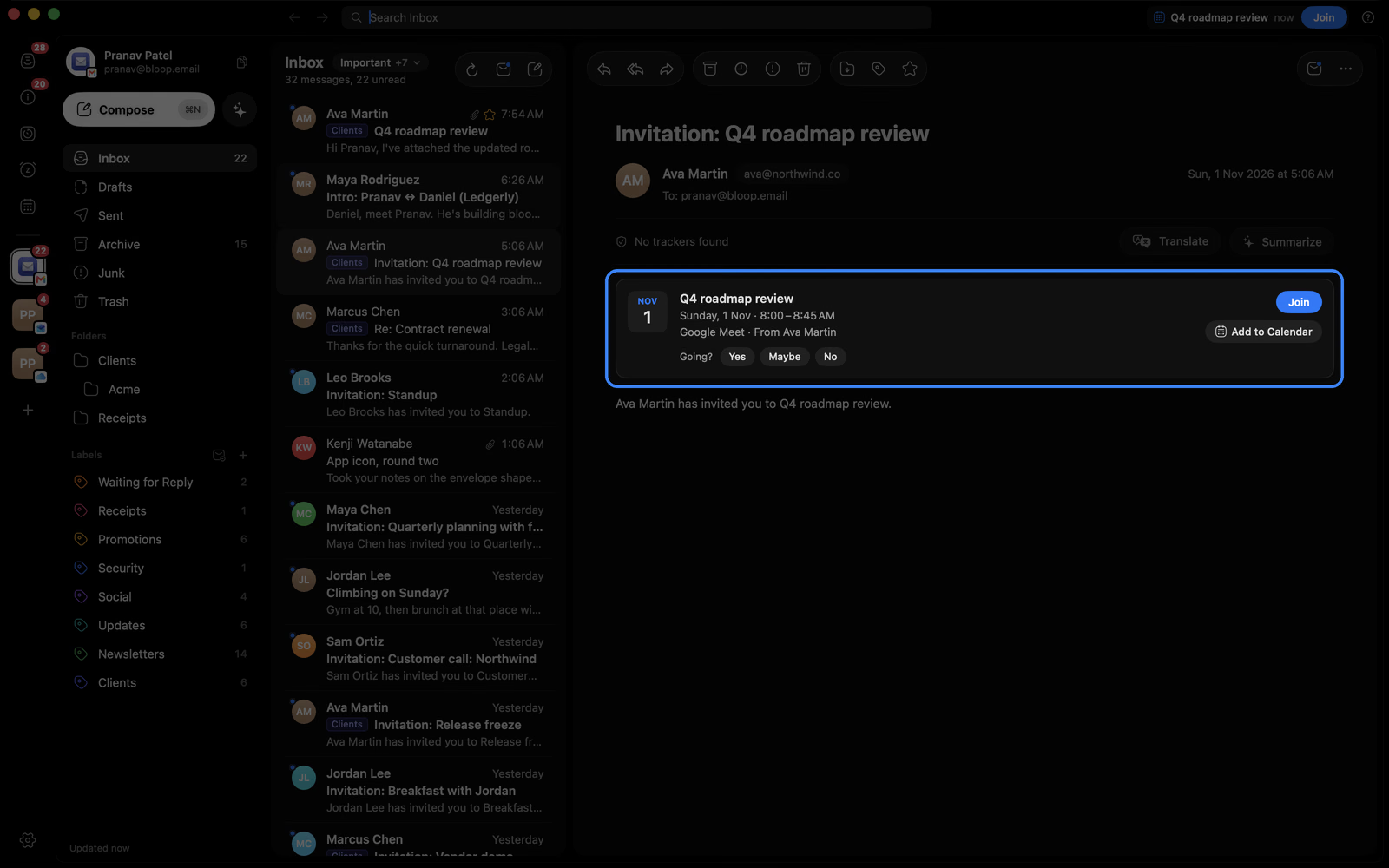
5
Read any invite
Every invite shows when, where and who.
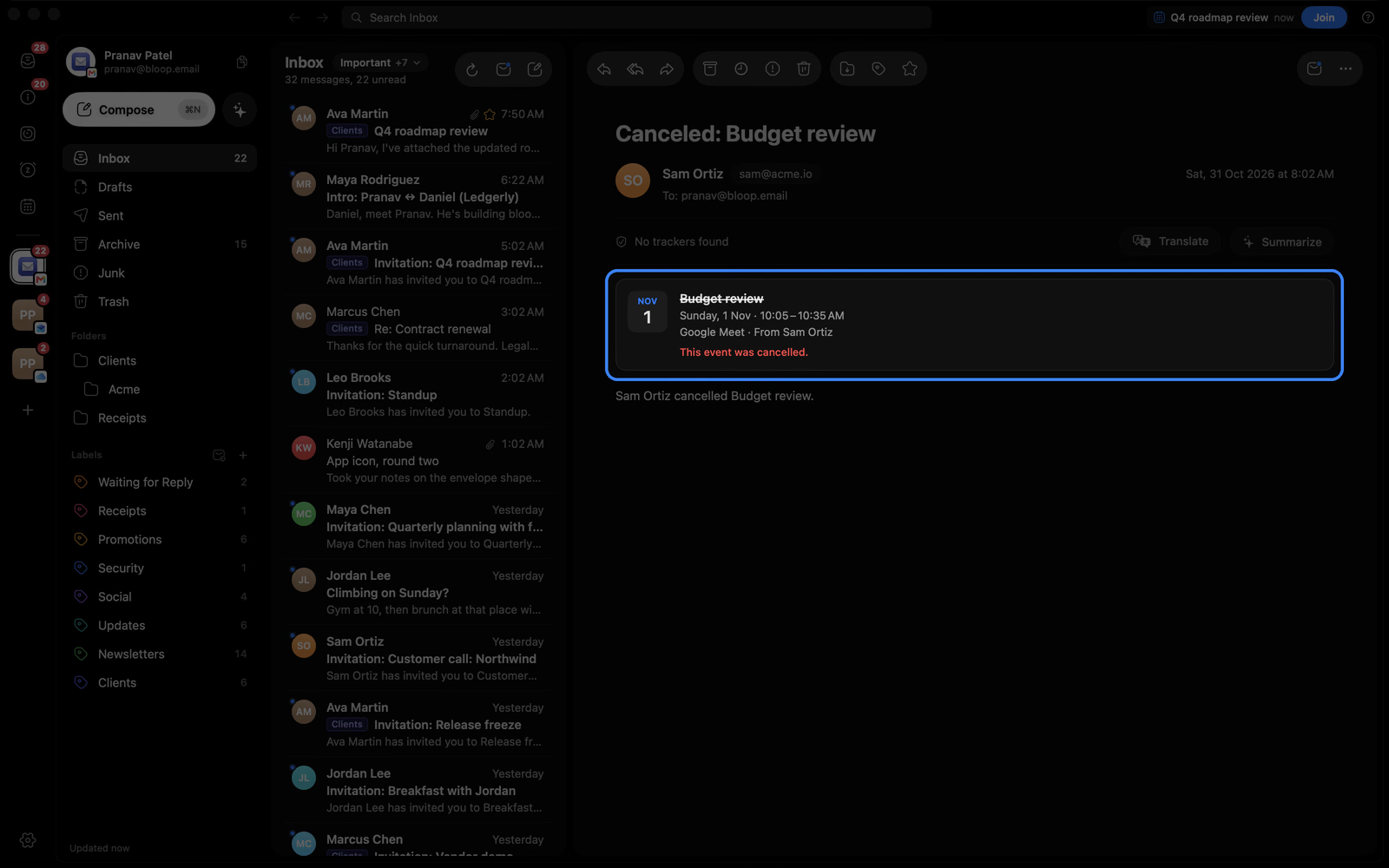
6
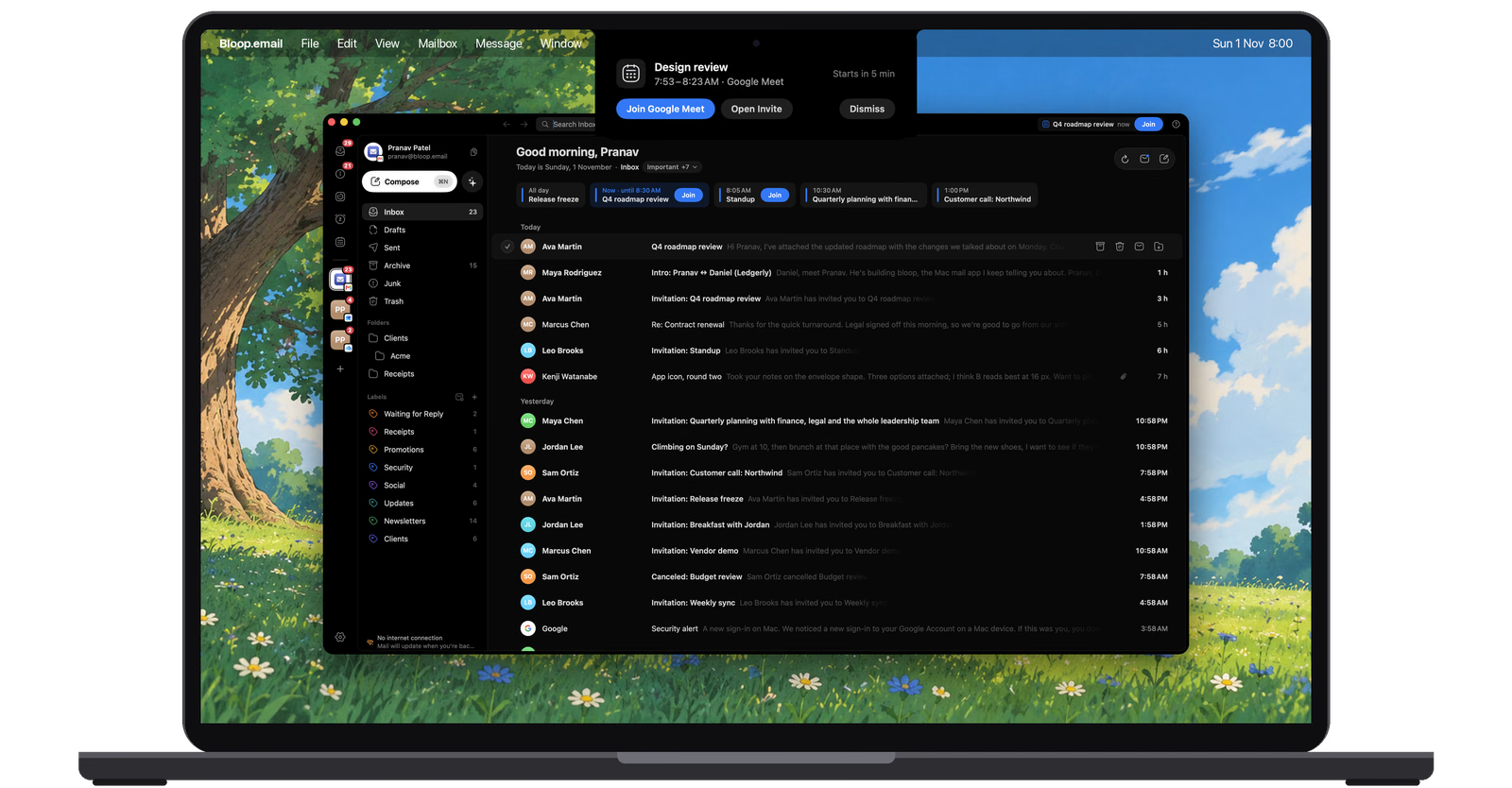
See today at a glance
Today's events sit under your greeting.
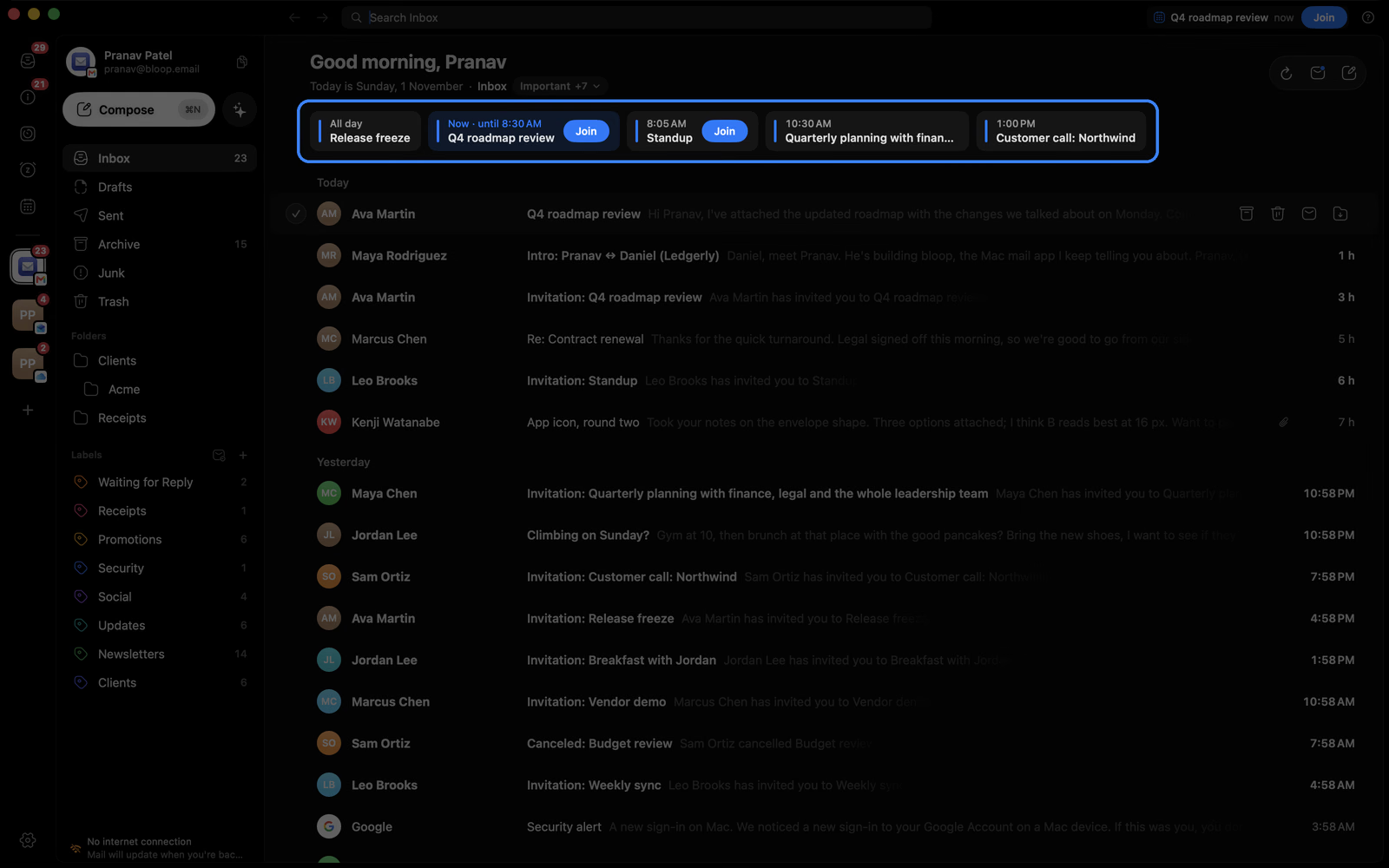
7
Know what's next
The top bar counts down to your next meeting.
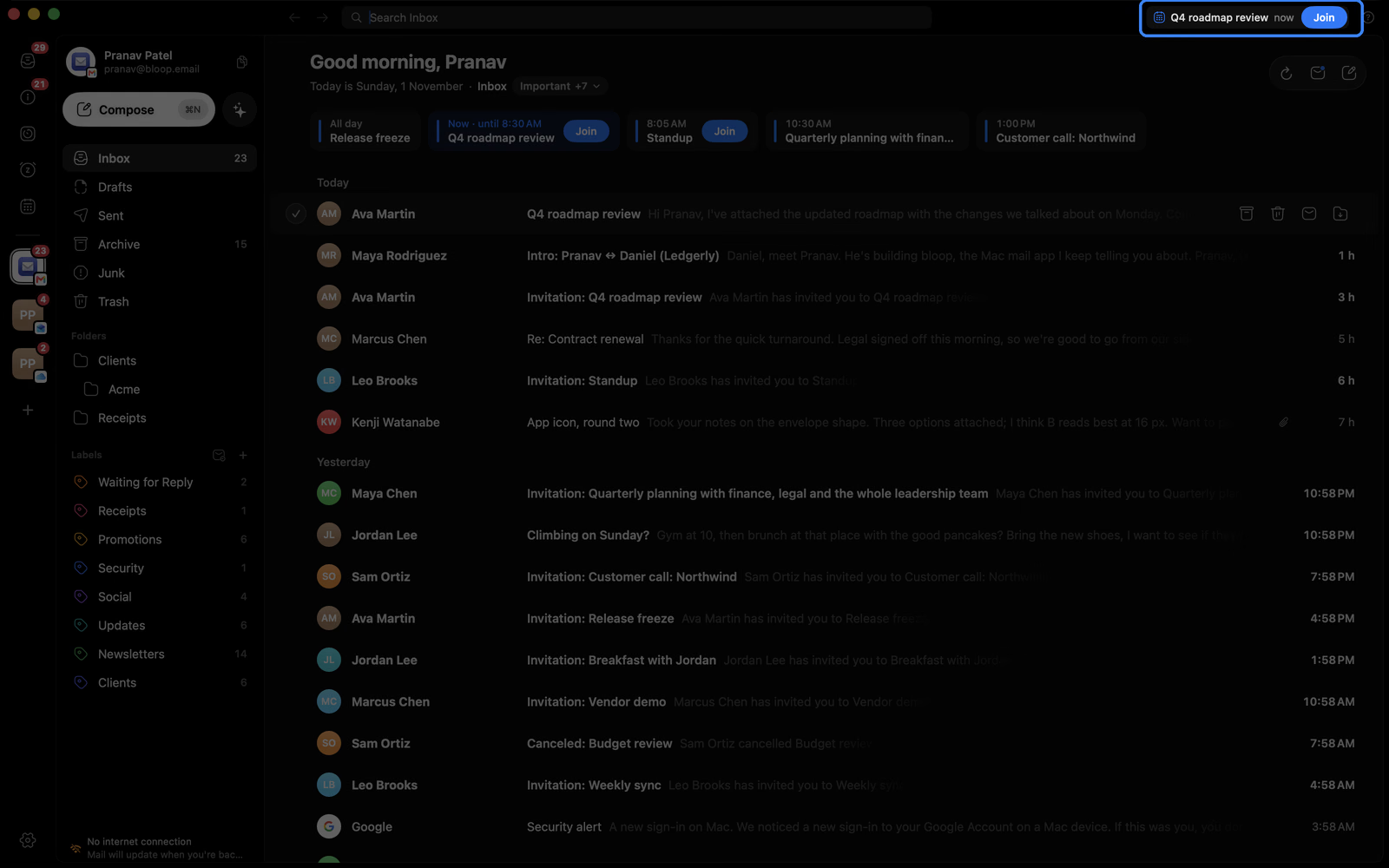
8
Get reminded
A reminder drops from the notch. Set the timing in Settings Notifications.
9
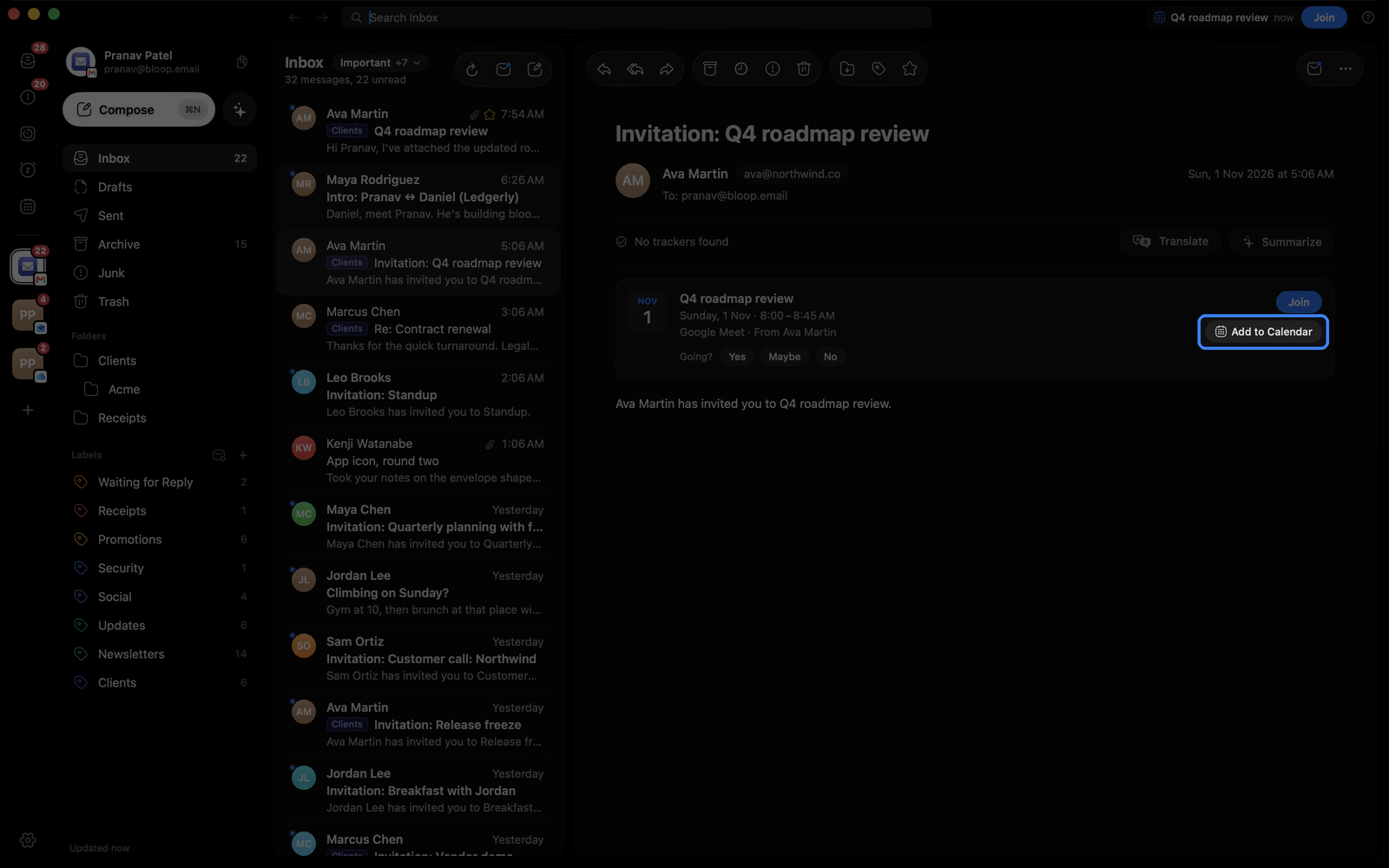
Add to your calendar
Send any event to Apple Calendar, Google Calendar or Outlook.
Good to know
Where events come from
Invites from the last six months, in every account.
Repeating meetings
Every date shows, moves and cancellations included.
If an event is missing
Only emailed invites appear. Try Refresh.